
Currently Empty: ₹0.00


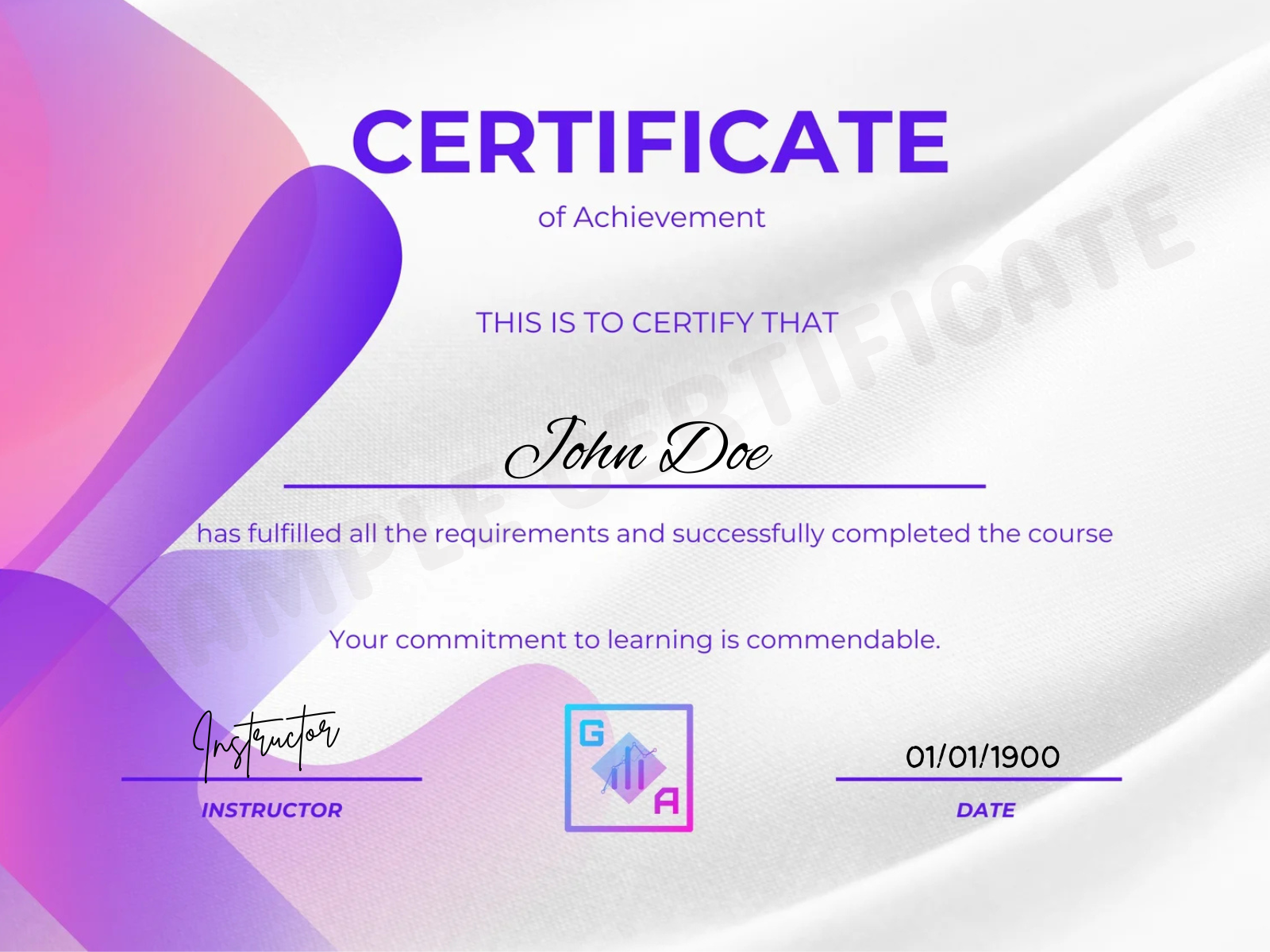

Industry-Recognized Certification
Earn professional certificates upon course completion that validate your skills and strengthen your resume for real-world opportunities.

Career Growth & Skill Advancement
Upgrade your skills with in-demand technologies and tools that help you stay competitive and unlock better career prospects.

Concept-Focused Learning
Gain a strong understanding of core concepts through structured lessons and real-world examples in our AI & data analytics course, designed to build clarity, practical knowledge, and confidence for real-world business and analytics applications.

Affordable & Flexible Learning
Access high-quality generative ai courses at competitive prices with lifetime access, allowing you to learn at your own pace, anytime, anywhere.

I used to struggle with connecting dashboards to KPIs in my day-to-day work, but the Data Visualization using Power BI course completely changed my perspective. Geeks Analytics helped me learn how to present insights effectively to end users through interactive dashboards, and I’m already noticing the impact in my workplace. Highly recommended!

“As someone without a programming or stats background, I worried this would be too technical. But the content of Geeks Analytics was approachable, practical, and built progressively. The team made sure everyone could follow along. I’m genuinely confident now in SQL, Python, and visualization tools.”

I’ve completed the Power BI Course with Geeks Analytics. It was a valuable learning experience where I gained hands-on skills in data cleaning, dashboard creation and using DAX to generate insights. The course was practical and well-structured, making it easy to apply concepts to real-world scenarios. Grateful to the team for their support!

I’ve successfully completed the Power BI course with Geeks Analytics. This journey helped me develop practical skills in data cleaning, building interactive dashboards and using DAX to derive meaningful insights. The course was well-organized and focused on real-world applications, making it easy to understand. Thankful to the team for their guidance!

“The Geeks Analytics course transformed my analytics skills—from Excel to Power BI and Python. Projects with real world datasets solidified what I learned in class. The instructors were accessible and thorough. Thanks to the structured curriculum, I now confidently say I’m job-ready!”

“The instructors at Geeks Analytics spoke from real industry experience. They taught concepts and showed how they’re applied in real jobs. I got guidance during mock interviews, and I feel fully prepared to enter analytics roles.”
