Home » Advanced Microsoft Power BI Course Online
About the course
Self-Paced Microsoft SQL Server Course | Geeks Analytics
Unlock the power of data with the Self-Paced Microsoft SQL Server Course from Geeks Analytics. Designed for beginners and professionals alike, this comprehensive program offers in-depth training on Microsoft SQL Server, enabling you to manage, query, and analyze data efficiently.
Learn essential SQL concepts including Data Definition Language (DDL) for creating and modifying database structures, Data Manipulation Language (DML) to retrieve and manipulate data, and Data Control Language (DCL) for managing access and permissions. With flexible learning at your own pace, this course covers everything from SQL Server architecture and database design to advanced topics like stored procedures, triggers, performance tuning, and security management.
Whether you aim to boost your career in database administration, data analysis, or software development, this course equips you with practical skills and real-world knowledge. Benefit from hands-on exercises, practical projects, and expert guidance—all tailored to fit your schedule.
Start your journey to becoming a proficient SQL Server professional today with Geeks Analytics!
Key Features Provided by Geeks Analytics
01
On-Demand Learning
Access high-quality video lectures and course materials anytime, anywhere.
02
Comprehensive Curriculum
Learn everything from basics to advanced topics with clear, structured content.
03
Hands-On Exercises
Practice coding through quizzes, assignments, and real-world projects.
04
Flexible Access
Compatible with multiple devices, so you can learn on desktop, tablet, or mobile.
05
Lifetime Access
Revisit Power BI course online content anytime for refresher or advanced learning.
06
Certification
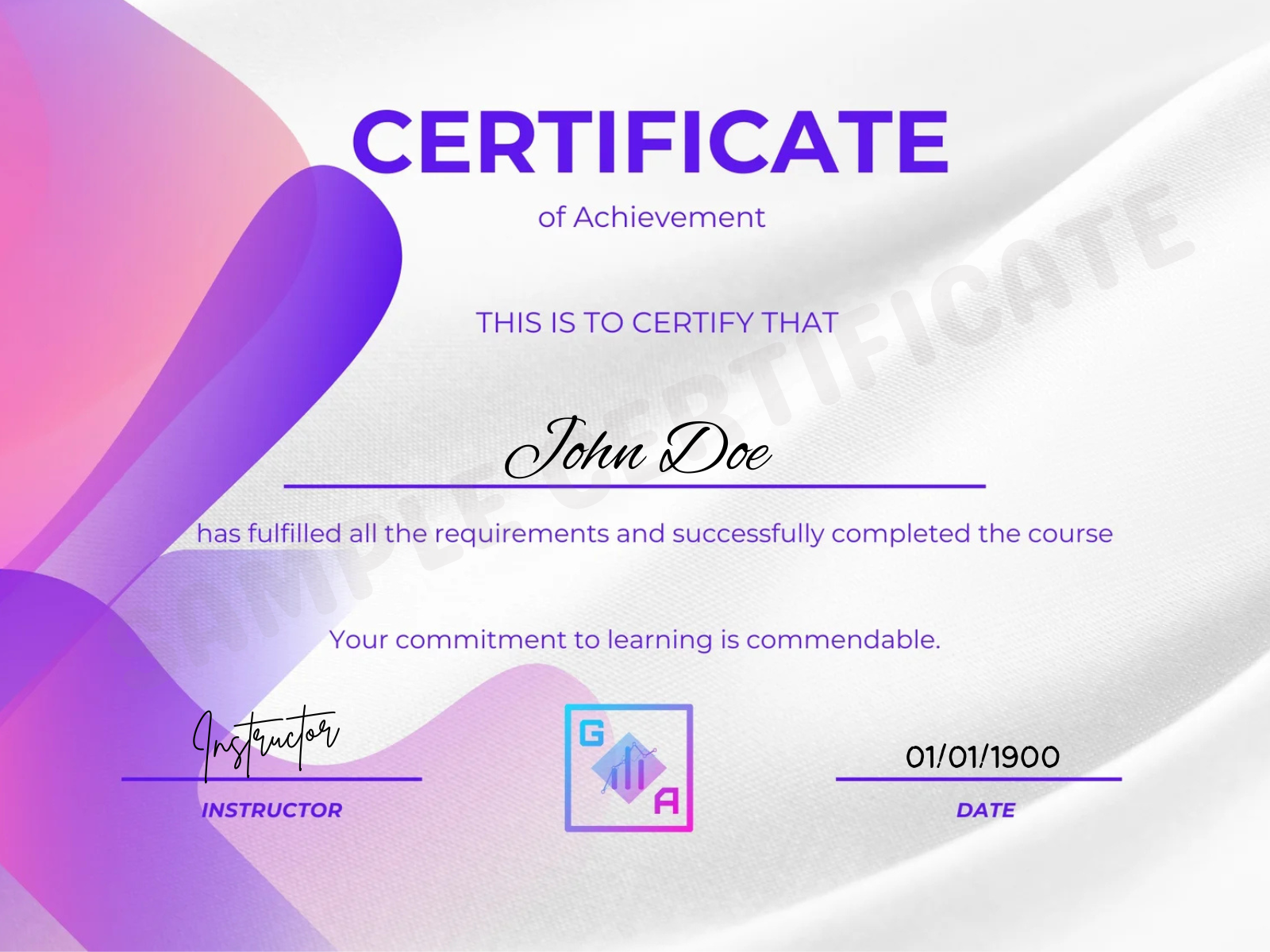
Earn a certificate of completion to validate your skills.
07
Expert Support
Dedicated support team available for doubt resolution via forums and chat.
08
Community Engagement
Connect with fellow learners to share knowledge and stay motivated.
What Will You Learn?
01
Master SQL Fundamentals: Understand the core concepts of SQL, including database basics, tables, and data types.
02
Write Efficient Queries: Learn to write complex SQL queries to extract and manipulate data effectively.
03
Data Filtering & Sorting: Gain skills to filter, sort, and aggregate data using WHERE, ORDER BY, GROUP BY, and HAVING clauses.
04
Join Multiple Tables: Explore different types of JOINs (INNER, LEFT, RIGHT, FULL) to combine data from multiple tables.
05
Subqueries & Nested Queries: Understand how to use subqueries to perform advanced data retrieval.
06
Database Functions: Use built-in SQL functions for string manipulation, date/time calculations, and mathematical operations.
07
Create & Manage Database Objects: Learn to create, update, and manage tables, views, indexes, and stored procedures.
08
Data Analysis & Reporting: Apply SQL for real-world data analysis, reporting, and decision-making.
09
Optimize Query Performance: Get insights into query optimization techniques for faster and more efficient database access.
10
Hands-on Practice: Build confidence through practical exercises and projects to solidify your SQL knowledge.
Curriculum
Course Content
15 hours total · beginner to advanced
01 Power BI: Introduction & Set Up3 lessons
- Introduction to Power BI
- Power BI: Download and Installation
- Power BI Interface Walkthrough
02 Power Query Editor12 lessons
- Introduction to Power Query Editor
- Basic Rows and Column Operations
- Split Column in Power Query Editor
- Group By and Replace Operations
- Table and Data Type Conversion
- Power BI Operations: Numeric and Date Operation
- Power BI Operations: Text Operation
- Power BI Operations: Miscellaneous Operation
- What is Transpose in Power BI?
- Conditional Statements, Indexing and Duplicate in Power Query Editor
- Combining Data in Power Query Editor
- Power Query Editor: Close and Apply
03 Power BI: Reporting and Dashboarding22 lessons
- Creating Charts in Power BI
- Categorical v/s Numerical Data
- Univariate Analysis
- Bivariate & Multivariate Analysis
- Bar and Column Charts in Power BI
- How to save your work in Power BI?
- Basic Formatting in Power BI
- 100% Stacked Column, Bar Chart
- Trend Analysis via Different Charts
- Pie Chart, Donut Chart and Funnel Chart
- Scatterplot: Univariate Analysis
- Scatterplot: Bivariate Analysis
- Slicers in Power BI
- Map, Filled Map and Tree Map
- Cards in Dashboarding
- Table in Visualization
- Exploring Card with Date Field
- Multi Row Card
- Matrix in Visualization
- Exploring Filter Section
- Exploring Miscellaneous Visuals
- Q&A Section
04 Power BI: Data Modeling2 lessons
- What is Data Modelling?
- Data Modelling Implementation
05 Data Analysis Expressions (DAX)6 lessons
- Exploring DAX, Calculated Columns, Measures
- Aggregation Function
- Calculate and Filter Context
- DAX: Text Functions
- DAX: Logical Functions
- DAX: Switch Function
06 DPublishing Dashboard and Security6 lessons
- Gauge Chart
- Dashboard
- IMPORTANT: Row Level Security (RLS)
- Sharing Dashboard Report
- Kaggle (Real World Dataset Platform)
- Sharing Project Insight in LinkedIn
Downloadable learning material
Case studies, workflows and datasets included with every plan.
- 10 Hours
- 50 Classes
Unlock the power of data with the Self-Paced Microsoft SQL Server Course from Geeks Analytics. Designed for beginners and professionals alike, this comprehensive program offers in-depth training on Microsoft SQL Server, enabling you to manage, query, and analyze data efficiently.
- Level: All Levels
- Total Enrolled: 882
- Duration: 10 hours
- Lessons: 36
Plans & fees
Geeks Analytics Course Fees
Basic
₹499
- Completion certificate
- Lifetime access
Plus
₹1,999
- Everything in Basic
- 7-day money-back guarantee
- Resume & LinkedIn optimization
Pro
₹9,999
- Everything in Plus
- 10-day money-back guarantee
- 1:1 doubt-clearing sessions
Premium
₹19,999
- Everything in Pro
- 30-day money-back guarantee
- Job referrals & interview prep
Ultimate
₹29,999
- Everything in Premium
- 60-day money-back guarantee
- Unlimited Geeks course access
| Compare Plans | Basic | Plus | Pro | Premium | Ultimate |
|---|---|---|---|---|---|
| Course completion certificate | ✓ | ✓ | ✓ | ✓ | ✓ |
| Lifetime access | ✓ | ✓ | ✓ | ✓ | ✓ |
| Resume & LinkedIn optimization | — | ✓ | ✓ | ✓ | ✓ |
| 1:1 doubt-clearing sessions | — | — | ✓ | ✓ | ✓ |
| Job referrals & interview prep | — | — | — | ✓ | ✓ |
Prices include taxes. 0% interest EMI available on Premium and Ultimate through our education financing partners.
Certification
Geeks Analytics Certification
Industry-aligned ai & data analytics course programs with recognized certifications to help you upskill, grow, and advance your career with confidence.
Industry-Recognized Certification
Complete the Power BI course online and earn an industry-recognized certificate that showcases your skills, enhances your credibility, and helps you secure high-demand job opportunities.
Concept-Focused Learning
Gain a strong understanding of core concepts through structured lessons and real-world examples in our AI & data analytics course, designed to build clarity, practical knowledge, and confidence for real-world business and analytics applications.
Career Growth & Skill Advancement
Advance your career with our data analytics course, where you’ll master in-demand technologies and tools that help you stay competitive and unlock better career opportunities.
Affordable & Flexible Learning
Access high-quality Power BI Course Online at competitive prices with lifetime access, allowing you to learn at your own pace, anytime, anywhere.
Requirements
- Basic Computer Skills: Familiarity with using a computer and navigating software applications.
- Interest in Data: A keen interest in working with data and learning how databases operate.
- No Prior SQL Knowledge Needed: This course is designed for beginners, so no prior experience with SQL or databases is required.
- Access to a Computer: A laptop or desktop with internet access to follow along with the course materials and practice exercises.
- Willingness to Practice: Commitment to practicing SQL queries regularly to build hands-on skills.
Audience
- Aspiring Data Analysts: Individuals looking to build a strong foundation in SQL for data analysis and reporting.
- Beginners in Databases: Those new to databases who want to learn how to effectively retrieve and manipulate data using SQL.
- Students & Graduates: Fresh graduates or students aiming to boost their technical skills for better career opportunities.
- Working Professionals: Professionals from non-technical backgrounds wanting to transition into data-related roles.
- Software Developers: Developers seeking to enhance their database querying skills for application development.
- Business Intelligence Enthusiasts: Anyone interested in understanding how to work with data to support business decisions.
- Data Science Aspirants: Beginners preparing for advanced data science concepts that require solid SQL knowledge.
What Our Students Have To Say
FAQ
Frequently Asked Questions
What will I learn in the SQL dba course?
The course includes database administration concepts such as backup and recovery, performance monitoring, security management, database maintenance, and server optimization techniques.
Do you offer practical Microsoft SQL server training?
Yes, learners gain hands-on experience through practical assignments, database exercises, query writing, and real-world SQL Server projects.
Is this a good SQL development course for aspiring developers?
Absolutely. The course helps learners understand SQL development, query optimization, data handling, stored procedures, and database-driven application support.
Can beginners enroll in the SQL Server course without prior experience?
Yes, the course starts with foundational database concepts and gradually introduces more advanced SQL Server and database administration techniques.
Does your SQL server tutorial include real-world examples?
Yes, learners work with practical business scenarios and real-world datasets to better understand SQL Server functionality and database workflows.
Is your SQL Microsoft certification suitable for beginners?
Yes, the certification-focused training is designed for both beginners and professionals who want to build strong SQL Server and database management skills.
Are database management concepts included in the training?
Yes, the course covers essential database management concepts including table creation, indexing, normalization, security, and performance optimization.
Is the course flexible for working professionals?
Yes, the online learning format allows professionals and students to study at their own pace while balancing work and personal commitments.
The leader in online learning
Effective learning starts with assessment. Learning a new skill
is hard work Signal makes it easier.